
Invoice and payment scams
Fake invoices and “we’ve changed our bank details”: the event scam that costs the most
A copy of a real stand invoice with different bank details is the costliest scam exhibitors face. How invoice fraud works, how to check bank details, and what to do if you’ve paid.
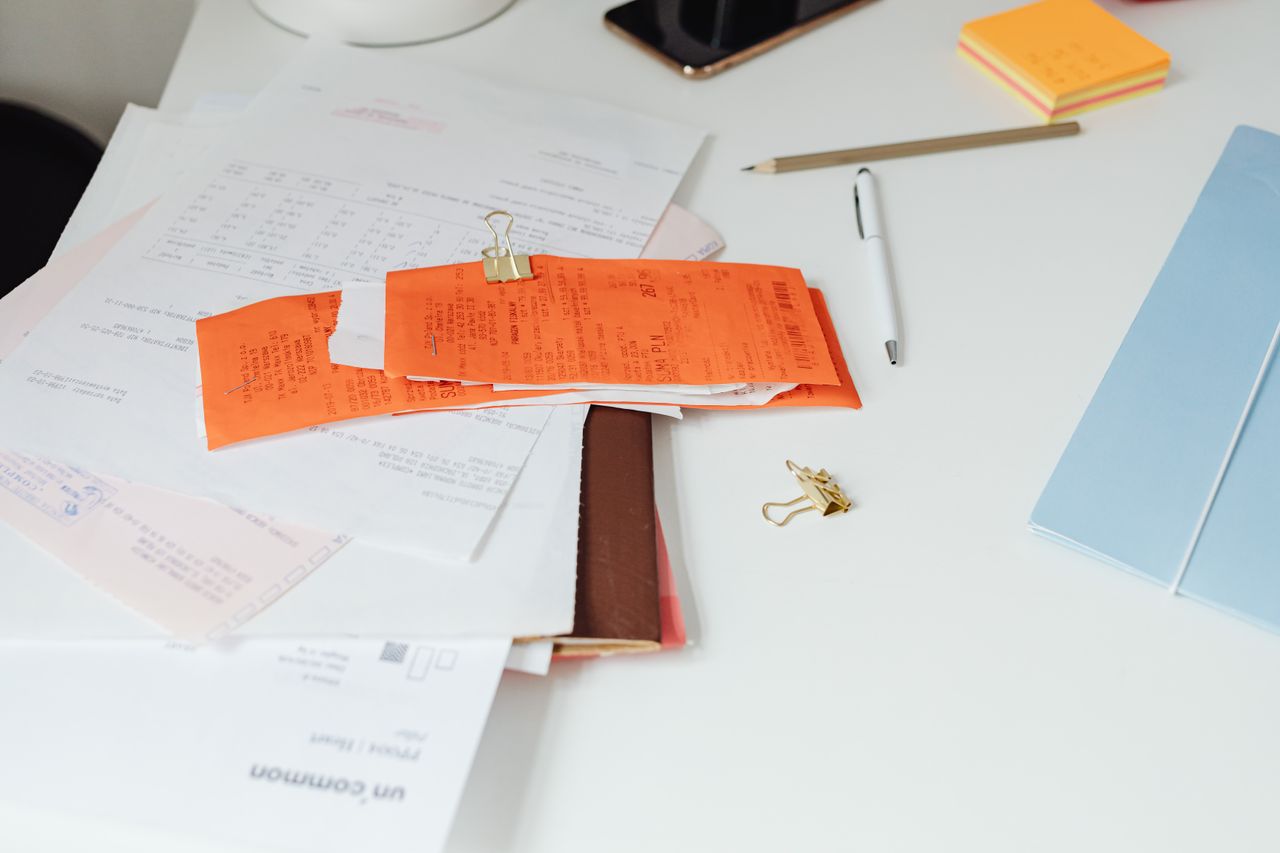
Of all the scams that follow events around, this is the one that keeps finance teams awake at night. It doesn’t involve a dodgy website or a too-good-to-be-true offer. It’s an invoice you were expecting, from a company you were expecting it from, for exactly the right amount. Only one thing is different: the bank account.
If you’ve paid one of these, please don’t blame yourself. They’re designed to be indistinguishable from the real thing, and they arrive at exactly the moment you’re trying to clear a pile of event bills before a deadline. Here’s how they work and, more importantly, how to stop them.
How common is it?
In the UK, banks call this “invoice and mandate fraud”. UK Finance’s latest annual fraud report recorded £41.3 million lost to it across 2,305 cases in 2025, with around two thirds of those losses on business accounts (UK Finance Annual Fraud Report 2026). The good news is that both figures were the lowest UK Finance has ever recorded, and almost half the money lost was returned to victims. The bad news is that each case is often large, and businesses are frequently left to carry the loss themselves.
Events are a natural target. Exhibitors pay big sums, often to companies they deal with once a year, by bank transfer, against deadlines. That’s exactly the combination fraudsters look for.
How the scam works
There are a few common versions, and they often overlap.
The forged invoice. A fake invoice is sent in the organiser’s name, sometimes from an address that’s nearly right and sometimes from a free webmail account. RX, which runs trade shows across Europe, has warned exhibitors about forged invoices pushing payment into false accounts, including fake invoices in a venue’s name sent from a free email address (RX exhibitor warning). Koelnmesse has warned about fake invoices with different sender details, different bank information and no VAT details (ISM).
The “our bank has changed” email. You receive a genuine-looking message, often mid-conversation, saying the organiser or supplier has moved banks, or that their account is “under audit”, so please pay the new one. The Bologna Children’s Book Fair has warned exhibitors about exactly this, noting that the sender addresses are often “quite similar to the original” (Bologna Children’s Book Fair).
The hacked inbox. This is the hardest to spot. Someone gets into a real email account, at the organiser, the supplier or your own company, and watches quietly. When an invoice is due, they reply on the genuine thread with new bank details. Everything looks right because, apart from the account number, everything is right.
What it feels like when it happens
The story is painfully similar every time. One homeowner described on the MoneySavingExpert forum how they received a tradesman’s invoice by email, followed half an hour later by a second email saying to pay a different account because the original was “under audit”. They paid. Five days later the tradesman rang to ask where his money was. Looking back, they wrote: “I am at fault for authorising the payment” (MoneySavingExpert forum).
That feeling of self-blame is almost universal, and it’s misplaced. In an Australian case shared on the OzBargain forum, a customer who was suspicious did exactly what you’d hope: they emailed to check the new details. But the scammer controlled that email thread, so the “check” came back confirmed. They sent $13,000 and found out the next day (OzBargain).
That’s the cruel twist. Checking by replying to the email doesn’t work, because you may be replying to the fraudster.
The warning signs
- Any change of bank details sent by email. Real companies rarely change banks, and when they do, they don’t usually announce it in the middle of an invoice chase.
- A reason for the change, such as an audit, a new bank or a problem with the old account.
- An account in another country, or in a name that’s close to, but not quite, the company’s.
- A sender address that’s slightly different, or a free email account.
- Pressure to pay quickly, or a request to keep it confidential.
- A second copy of an invoice with “corrected” details.
- The real supplier chasing you for money you’ve already paid. This is often how people first find out.
How to protect yourself
The single most important habit is simple: never act on a change of bank details without checking it by phone, on a number you already had. Not a number from the email, not a reply to the email. Ring the person you normally deal with, on the number in your records or on the organiser’s official website.
A few more things help:
- Use Confirmation of Payee. When you set up a new payee, UK banks check the name against the account and tell you if it’s a match, a close match or no match (Pay.UK). Take a “no match” seriously. It won’t help with overseas accounts, though, or if the fraudster has opened an account in a convincing name.
- Send a small test payment to a new payee and confirm it arrived, by phone, before sending the rest. This is part of the Take Five to Stop Fraud advice for businesses.
- Agree a process. Make sure everyone in your team knows that bank details are never changed by email alone, and that it’s fine to slow down and check, however urgent the request seems.
- Protect your own email. Turn on two-step verification for every email account, as the National Cyber Security Centre recommends. A hacked inbox is how many of these scams start.
What to do if you’ve paid
Act fast. The quicker the bank knows, the better the chance of stopping the money.
- Call your bank immediately, using the number on its website or the back of your card. Tell them it’s a fraud and ask them to contact the receiving bank.
- Report it to Report Fraud, the police service that replaced Action Fraud, at reportfraud.police.uk or on 0300 123 2040. In Scotland, contact Police Scotland on 101.
- Tell the organiser or supplier whose name was used. Their email may have been compromised, and others may be about to receive the same message.
- Keep everything: the emails (with their full headers if you can), the invoice and the payment details.
It’s worth knowing where you stand on getting money back. Since October 2024, UK banks have had to reimburse victims of authorised push payment fraud in many cases, up to £85,000 per claim, for payments made by Faster Payments or CHAPS (Payment Systems Regulator). But those protections cover individuals, micro-enterprises and charities. Larger businesses aren’t automatically covered, and payments to overseas accounts fall outside the scheme. Ask your bank what applies to you, and don’t assume it’s hopeless: UK Finance reports that almost half of invoice and mandate fraud losses were returned to victims in 2025.
If you organise events
Your exhibitors trust invoices with your name on them, which is precisely why fraudsters copy them. You can make their job much harder. Tell exhibitors, early and in writing, that you will never change your bank details by email. Give them a quick way to check an invoice or bank account with you before they pay. Lock down your email domain so nobody can send messages from your exact address. And consider stamping your genuine invoices, so anyone can confirm with a click that the email in front of them really came from you.
None of this stops a determined fraudster from trying. But it means that when they do, your exhibitors have a reason to stop, a way to check, and a much better chance of keeping their money.
This guide is general information, not legal or financial advice. If you have lost money, contact your bank straight away and report it to Report Fraud at reportfraud.police.uk or on 0300 123 2040 (in Scotland, Police Scotland on 101).


